The flexible digital pension built for the modern workplace

Simple to launch, effortless to manage, fully flexible and at no added cost. Give your team a pension they’ll love.

Book a Call

Built to manage itself, so you don't have to

Quick to launch, light to manage and fully compliant.

Computer screen displaying Zen Pensions login form with fields for email address and password and a login button.

Go live in minutes 

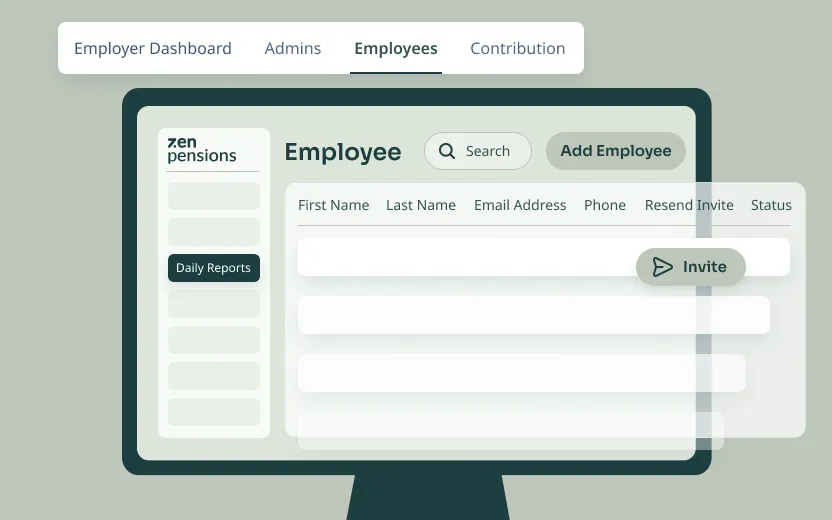
  1. Start with an employee file, no new tech required
  2. Zen auto-invites your team to onboard digitally in-app
  3. Setup is fast and secure
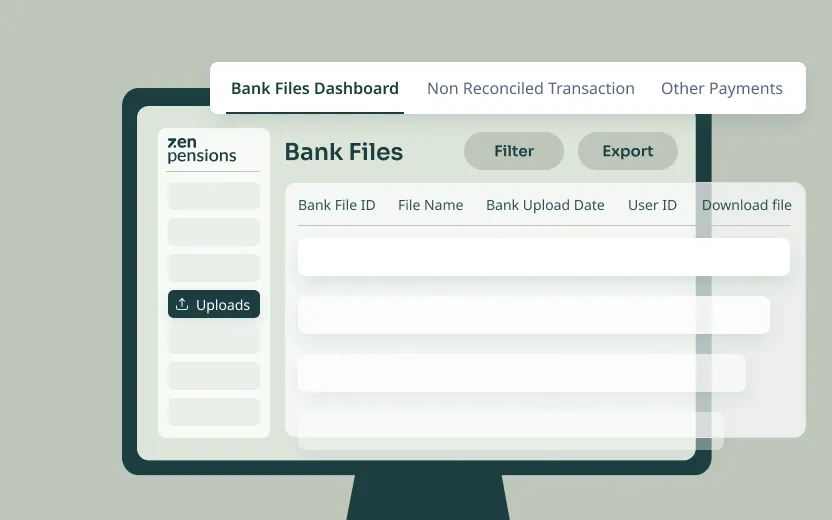
Computer screen displaying a Bank Files Dashboard interface with tabs for Non Reconciled Transaction and Other Payments, featuring a table for bank file details and buttons for Filter and Export.

Fully automated contributions

  1. Submit one file and one payment each pay run.
  2. Zen allocates and invests each payment which updates in-app
Computer screen showing an employee dashboard with tabs for Employer Dashboard, Admins, Employees, and Contribution; the Employees tab is active displaying a search bar, Add Employee button, and an employee list table with columns for First Name, Last Name, Email Address, Phone, Resend Invite, and Status.

Always up to date

  1. Contributions are reconciled automatically.
  2. Balances are updated in real-time and visible in-app
Computer screen showing a chat conversation about re-identifying before payment on Zen Pensions dashboard with instructions to click Withdrawal icon and input tax-free lump sum percentage.

Compliance handled behind the scenes

  1. All required pension documents are generated and delivered automatically.
  2. You stay aligned with pension rules without extra work.
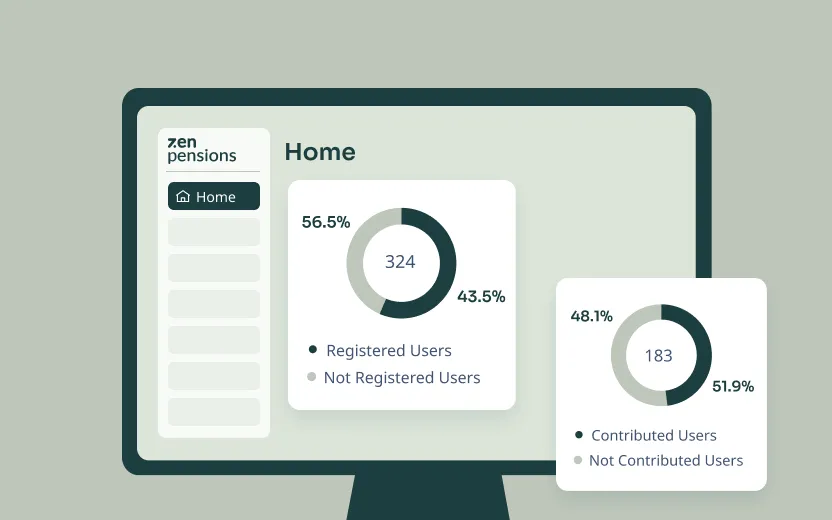
Computer screen showing Zen Pensions dashboard with two donut charts displaying user data: one chart shows 56.5% registered and 43.5% not registered users out of 324 total, another chart shows 51.9% contributed and 48.1% not contributed users out of 183 total.

Visibility without complexity

  1. Track who’s onboarded, what’s contributed, and what’s outstanding, all from one secure dashboard.
  2. Export reports instantly for internal or external use.

Clear from day one, for every user

Zen gives every saver full control and lasting peace of mind — portable, transparent, and always up to date.
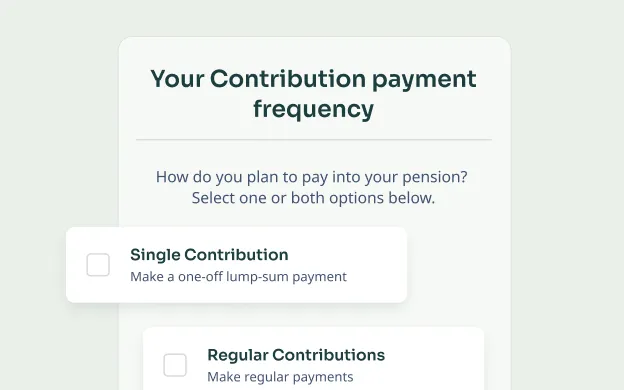
Form asking for contribution payment frequency with options for single lump-sum or regular pension payments.

Digital onboarding in minutes 

  1. No forms and no fuss
  2. A simple invite, verify your details, select your plan and you're all set!
Interface of Zen Pension Pot showing balance of €5,622.54 with activity tab selected and February 2025 highlighted, indicating a fund increase of €0.25.

Full clarity

  1. See how much you're saving, where it's invested, how it's performing and how much it's worth.
  2. Transparent low fees are visible in-app
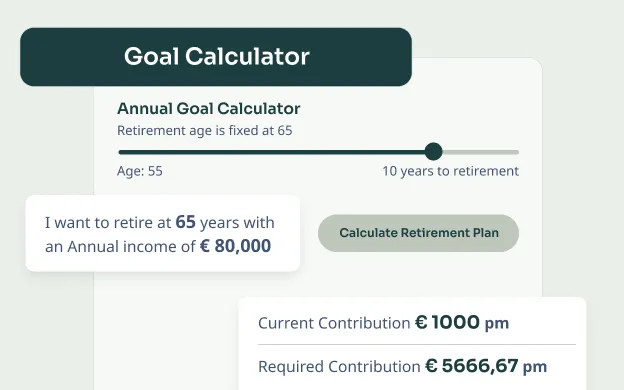
Goal Calculator interface showing retirement age fixed at 65 with a slider at age 55 and a message stating desire to retire at 65 with an annual income of €80,000. It displays current contribution as €1000 per month and required contribution as €5666.67 per month with a button to calculate retirement plan.

Investment strategies for all risk appetites

  1. Choose the strategy that best suits you
  2. Change your plan at any time in-app. No paperwork, no delays
Pie chart showing total invested amounts: Employee Contribution €36.88 (47%) and Employer Contribution €41.66 (53%), totaling €78.54.

All documents in one place

  1. Each user gets a full record of projections, disclosures, investment history, and statements, all inside the app.
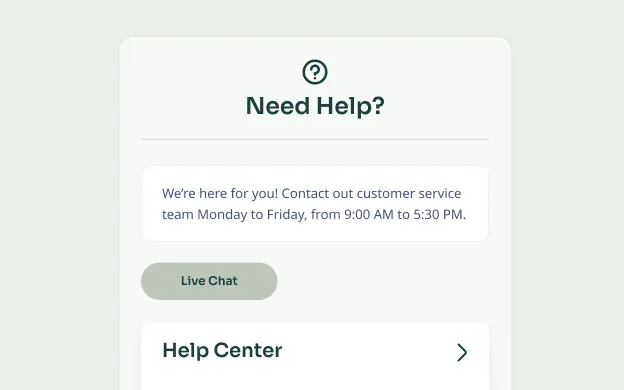
Customer support section titled 'Need Help?' with text about contacting service Monday to Friday 9 AM to 5:30 PM, a 'Live Chat' button, and a 'Help Center' link.

Help, built into the app

  1. Answers, guidance, and support are always available, without phone calls, forms, or delays.

Built in security and privacy

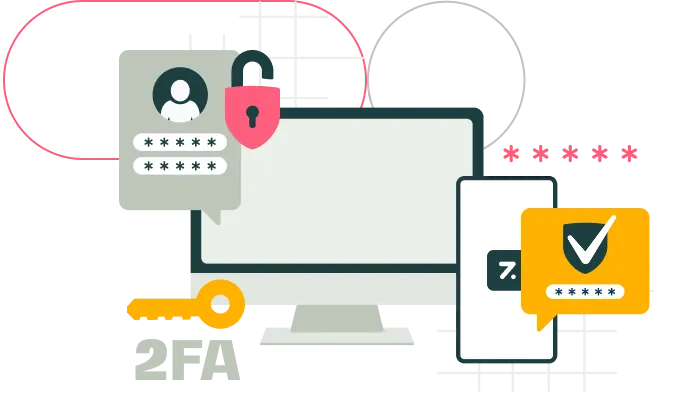
Illustration of computer and smartphone with password fields, a padlock, and a key symbolizing secure login and authentication.

Two-factor authentication (2FA) built into every Zen account
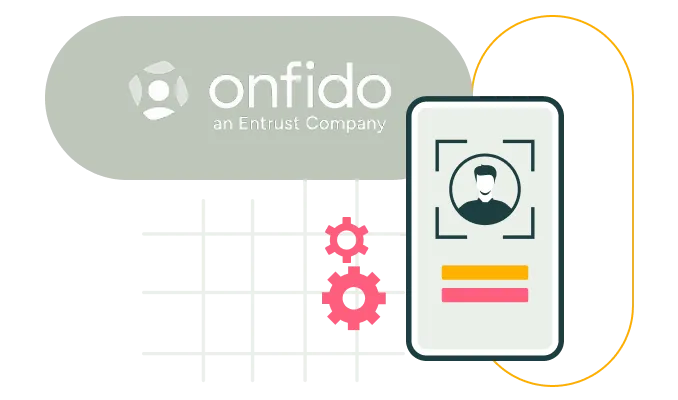
Illustration of the Onfido logo next to an ID card with a person's avatar and two colored lines below, symbolizing identity verification technology.

Identity & Verification powered by Onfido
Illustration of cloud computing with a pink shield lock symbolizing data security, a magnifying glass highlighting lines of code, and gears representing system settings or operations.

Data is encrypted in transit using TLS and encrypted at rest using AES

Licensed and trusted

Authorised by

Central Bank of Ireland

Approved by

The Pensions Authority

Manufactured by

Acorn Life

Assets held by

Global Custodian

ID&V powered by

Onfido

Regulated by

Central Bank of Ireland

Approved by

The Pensions Authority

Provided via

Acorn Life

Assets held by

State Street

ID&V powered by

Onfido

Authorised by

Central Bank of Ireland

Approved by

The Pensions Authority

Provided via

Acorn Life

Assets held by

State Street

ID&V powered by

Onfido

Ready to simplify pensions?

Automate the heavy lifting, without extra cost, complexity, or effort. 
Let Zen handle the details, while you focus on what really matters.

Join the Revolution